Recipe map — a map of your food travels
Love food travel? Save your favourite little restaurants as the dishes you liked best. All it takes is a photo and a Google Maps link, and over time you'll build a map of your culinary travels.
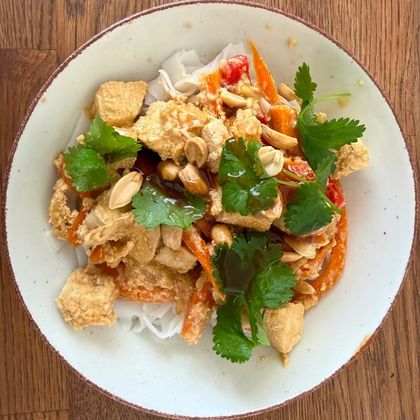
Pad thai from the bistro on the corner, blueberry buns from the bakery by the market square, pasta from a trattoria you found on holiday. The best dishes often have a place of their own. The Recipe map lets you remember that place.
How it works
- Add a recipe for a dish you enjoyed — or at least its photo and name.
- In the Recipe link field, paste the Google Maps link to the place (in the Google Maps app: Share → Copy link).
- Done. The recipe gets a pin with a photo of the dish.
In the Recipes tab, tap Map and you'll see all your recipes pinned to their places. A recipe without a photo gets a pin too — with the Amamable logo.
What's nearby
Below the map there is a Nearby list — your recipes, nearest first. Tap an item to Open recipe, or tap Navigate and Google Maps will take you straight there.
If you want distances measured from where you are, tap Share location. Without it, distances are measured from the centre of the map — move it to the city you're heading to and see what's waiting for you there.
Over time, a map of your travels takes shape
Every new recipe with a link is a new pin. After a few trips you'll see on one map all the places where you ate something worth remembering — and the recipes that let you cook it at home.
The map shows only your recipes, is free and works in the phone app and in the browser version.